


3,59€
Op voorraad
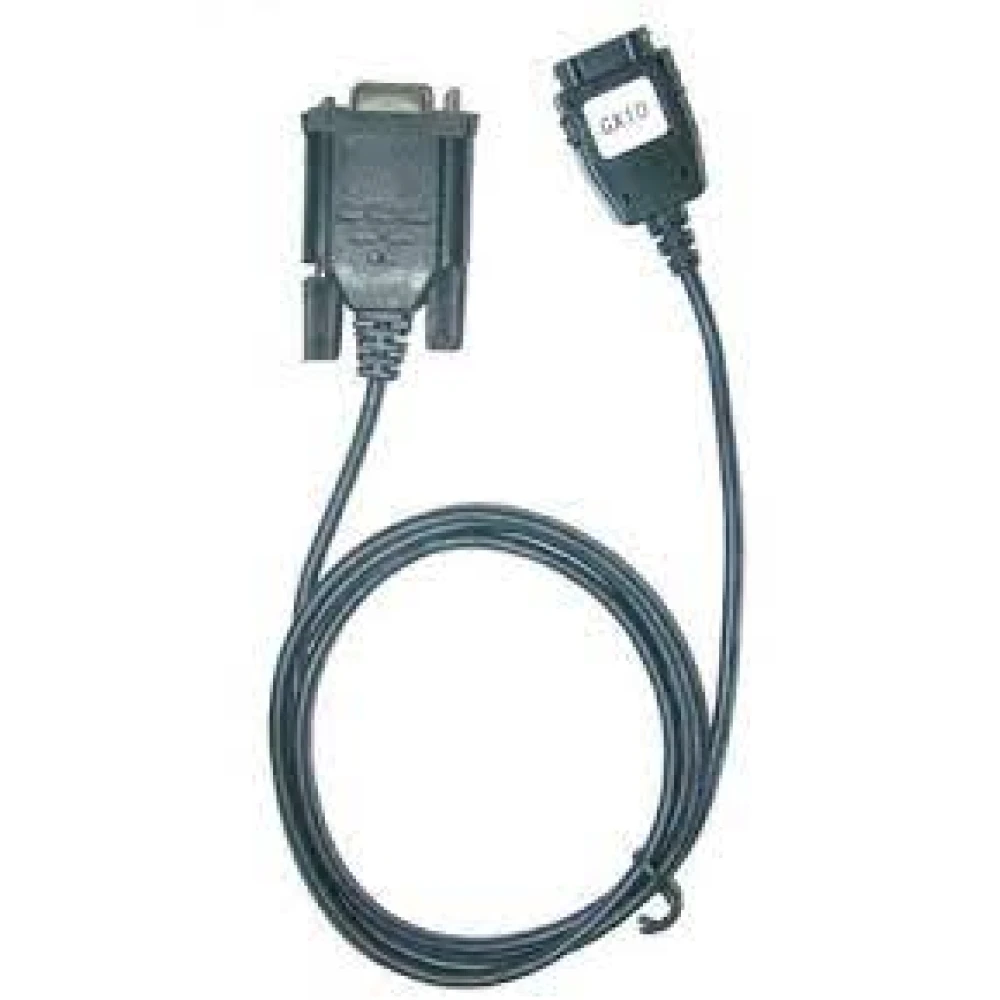
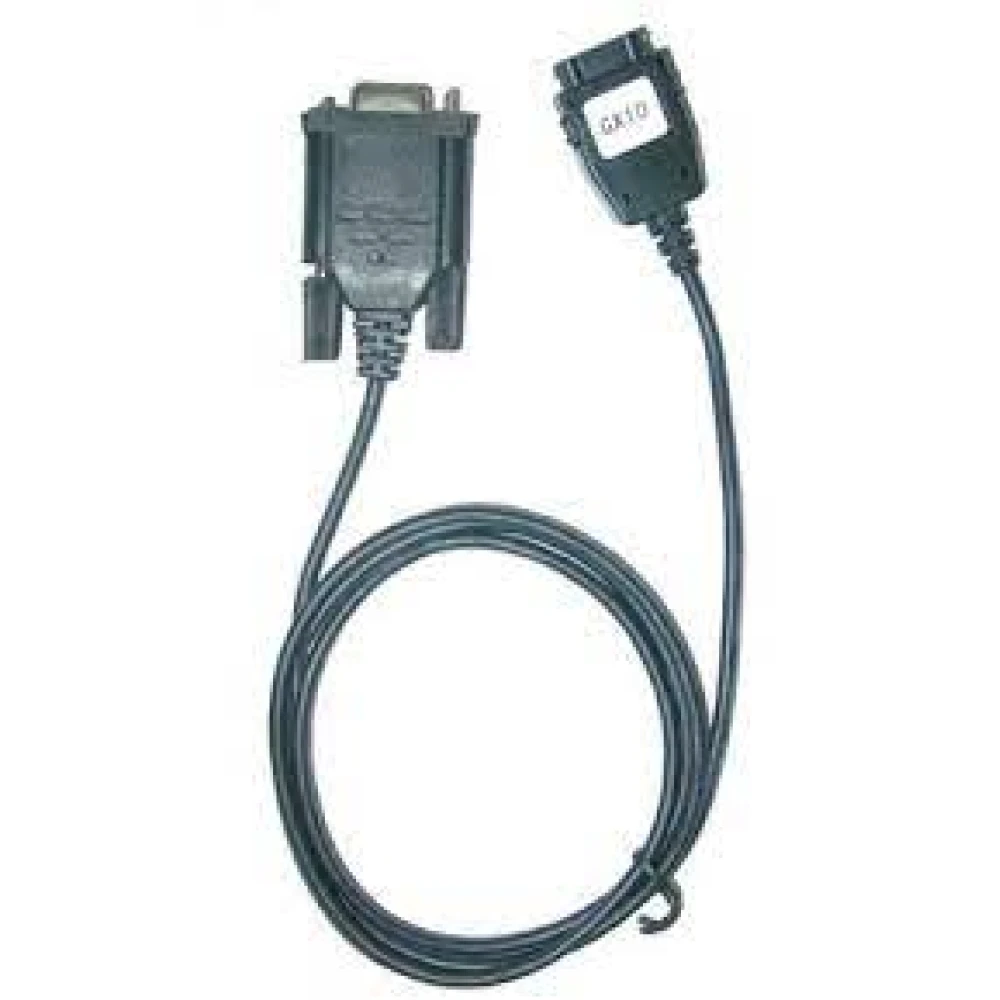
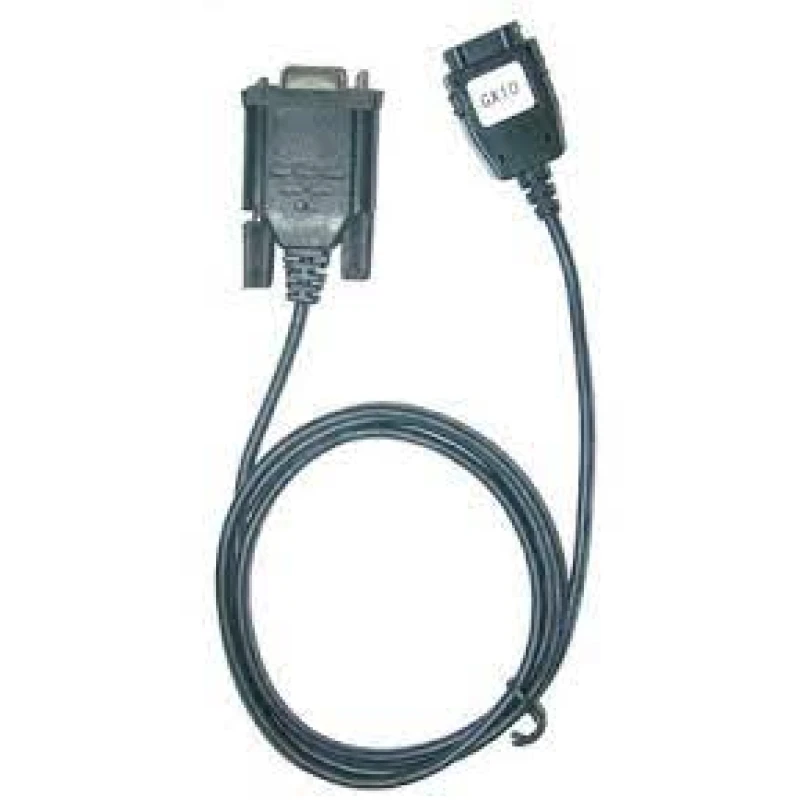
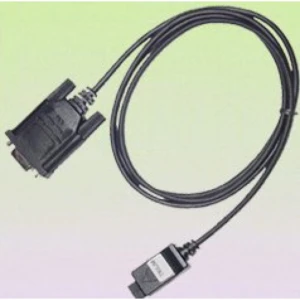
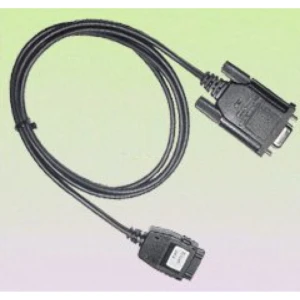
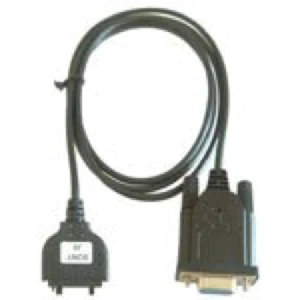
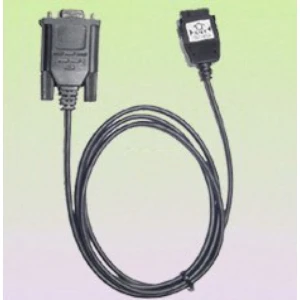
Sharp GX10 datakabel voor verbinding en gegevensoverdracht
Merk: satkit
3,59€
IVA inbegrepen (Excl. btw: 2,97€)
Op voorraad - Direct verzonden
Standaardlevering
Wo, Apr 22 - Vr, Apr 24
Expresslevering
Ma, Apr 20 - Di, Apr 21
30 dagen retour
Gratis retourneren binnen 30 dagen
Beveiligde transactie






Share:
Gratis bezorging
Bij bestellingen boven 300€
Eenvoudig retourneren
30 dagen retourbeleid
Veilig betalen
100% veilig afrekenen
Kwaliteitsgarantie
Alleen originele producten
Sharp GX10 datakabel
Deze datakabel is speciaal ontworpen voor de Sharp GX10-telefoon en maakt een directe en veilige verbinding tussen het toestel en een computer mogelijk. Het is de perfecte aanvulling voor wie bestanden wil overzetten, informatie wil synchroniseren of back-ups wil maken met de officiële software die bij de Sharp GX10-telefoon wordt geleverd.
- Compatibiliteit: Exclusief voor Sharp GX10-telefoons.
- Hoofdgebruik: Gegevensoverdracht en synchronisatie met de Sharp GX10-software.
- Betrouwbare verbinding: Zorgt voor een stabiele overdracht zonder onderbrekingen.
- Praktisch ontwerp: Eenvoudig aan te sluiten en los te koppelen, ideaal voor dagelijks gebruik.
Deze kabel is essentieel voor gebruikers die hun gegevens up-to-date en veilig willen houden, en maakt het beheren van contacten, berichten en andere bestanden vanaf de computer eenvoudiger. Het compacte en duurzame ontwerp zorgt voor een lange levensduur, waardoor het een onmisbaar accessoire is voor optimaal onderhoud en gebruik van de Sharp GX10-telefoon.
Typische gebruikssituaties:
- Overzetten van foto's, muziek en documenten tussen de telefoon en de computer.
- Synchroniseren van gegevens om informatie actueel te houden.
- Gebruik met de officiële software voor geavanceerd toestelbeheer.
Compatibiliteit en specificaties:
- Alleen compatibel met de Sharp GX10-telefoon.
- Sharp GX10-software vereist voor volledige functies.
Deze kabel is een praktische en betrouwbare oplossing voor Sharp GX10-gebruikers die op een eenvoudige manier hun toestel met een computer willen verbinden en hun gegevens gemakkelijk willen beheren.
- Exclusief compatibel met de Sharp GX10-telefoon
- Maakt gegevensoverdracht en synchronisatie mogelijk met officiële software
- Stabiele en veilige verbinding om gegevensverlies te voorkomen
- Praktisch ontwerp en eenvoudig in gebruik
- Ideaal voor het overzetten van foto's, muziek en documenten
Klantvragen & Antwoorden
Per a què serveix exactament el Cable de Datos Sharp GX10 i quins avantatges ofereix respecte a altres mètodes de transferència?
El Cable de Datos Sharp GX10 permet connectar el telèfon SHARP GX10 a un PC per transferir dades (com contactes i fitxers multimèdia) mitjançant el programari oficial del dispositiu, cosa que assegura compatibilitat i minimitza errors davant d’adaptadors genèrics o altres mètodes no certificats.
Quines són les característiques físiques del cable, com ara longitud, pes i tipus de connectors?
El cable està dissenyat amb connectors específics per al SHARP GX10 en un extrem i USB estàndard a l’altre. Generalment té una longitud d’1 m a 1,2 m i un pes aproximat de 50 g. Els materials solen ser PVC i coure, adequats per a un ús freqüent.
És compatible aquest cable amb altres models de Sharp o únicament amb el GX10?
Aquest model està dissenyat específicament per al SHARP GX10 i la seva compatibilitat amb altres models de Sharp no està garantida, ja que els pins i el protocol poden variar. Es recomana verificar la correspondència dels connectors abans d’intentar-lo fer servir en altres dispositius.
Quins passos s’han de seguir per instal·lar i utilitzar correctament el cable amb el programari del telèfon?
Primer instal·leu el programari oficial subministrat amb el SHARP GX10 al vostre PC. Després, connecteu el cable entre el telèfon i l’ordinador; el programari hauria de reconèixer el dispositiu automàticament. Seguiu les indicacions en pantalla per fer les transferències.
Quins problemes de funcionament poden presentar-se i com es poden solucionar de manera bàsica?
Els problemes comuns inclouen que el programari no reconegui el telèfon, normalment per drivers desactualitzats o un cable en mal estat. Verifiqueu la instal·lació correcta dels drivers, reviseu possibles danys visibles al cable i eviteu estirar-lo en desconnectar-lo per maximitzar-ne la durabilitat.
What exactly is the Sharp GX10 Data Cable for, and what benefits does it offer compared with other transfer methods?
The Sharp GX10 Data Cable allows the SHARP GX10 phone to be connected to a PC to transfer data (such as contacts and multimedia files) using the device’s official software, which ensures compatibility and minimises errors compared with generic adapters or other uncertified methods.
What are the physical characteristics of the cable, such as length, weight and connector type?
The cable is designed with specific connectors for the SHARP GX10 at one end and standard USB at the other. It is generally 1 m to 1.2 m long and weighs approximately 50 g. The materials are usually PVC and copper, suitable for frequent use.
Is this cable compatible with other Sharp models or only with the GX10?
This model is designed specifically for the SHARP GX10, and compatibility with other Sharp models is not guaranteed, as the pins and protocol may vary. It is recommended to check connector compatibility before attempting to use it with other devices.
What steps should be followed to install and use the cable correctly with the phone software?
First, install the official software supplied with the SHARP GX10 on your PC. Then connect the cable between the phone and the computer; the software should recognise the device automatically. Follow the on-screen instructions to carry out transfers.
What operating problems may occur and how can they be resolved in a basic way?
Common issues include the software not recognising the phone, usually due to outdated drivers or a faulty cable. Check that the drivers are installed correctly, inspect the cable for visible damage, and avoid pulling on the cable when disconnecting it to maximise durability.
Schrijf een klantbeoordeling
Klanten die dit artikel kochten, kochten ook

Uw recent bekeken artikelen
 Sharp GX10 datakabel voor verbinding en gegevensoverdracht
3,59€