


4,72€
Op voorraad
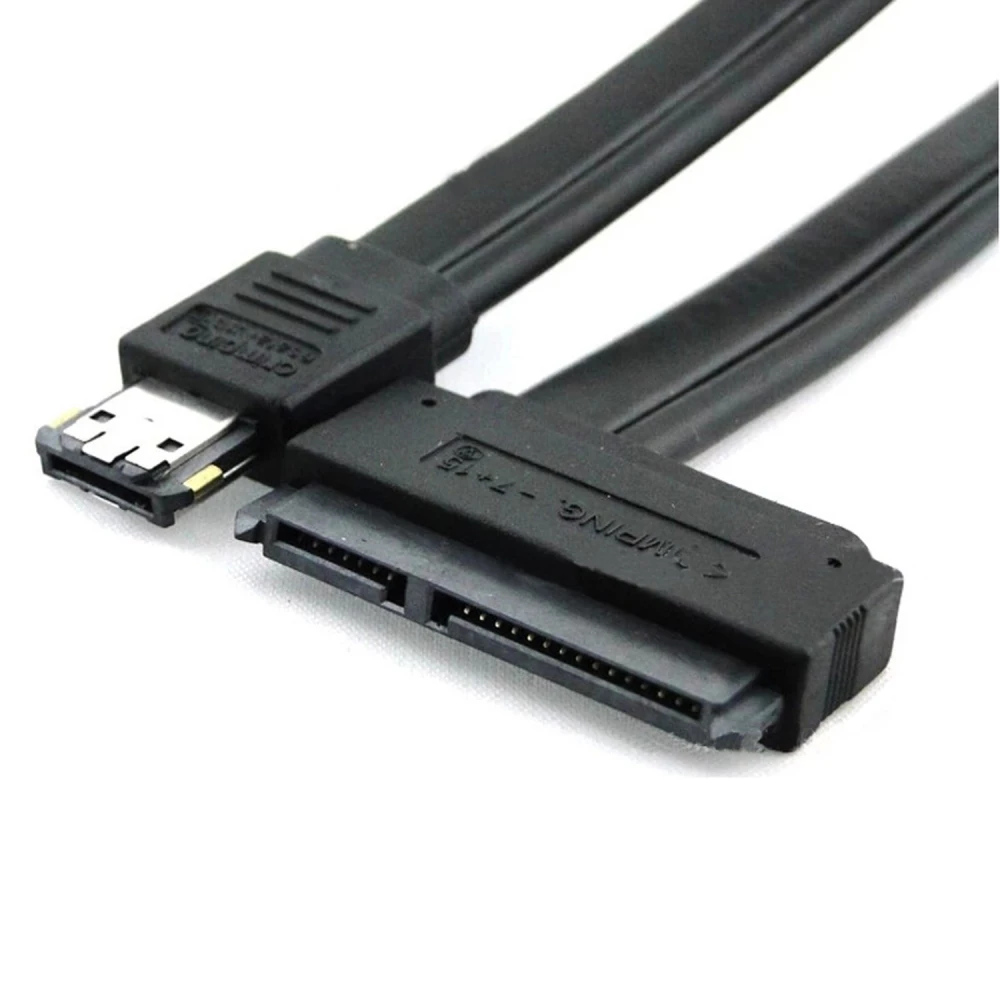
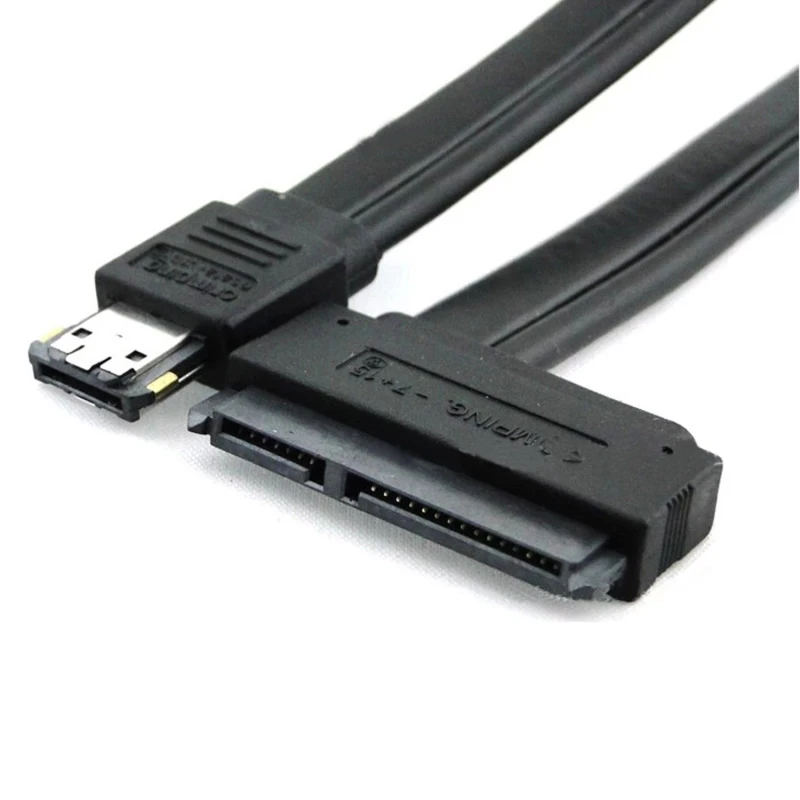
eSATA naar SATA 22 pin kabel met 22-pins eSATA+USB combo connector
Merk: satkit
4,72€
IVA inbegrepen (Excl. btw: 3,90€)
Beperkte voorraad
Standaardlevering
Wo, Apr 22 - Vr, Apr 24
Expresslevering
Ma, Apr 20 - Di, Apr 21
30 dagen retour
Gratis retourneren binnen 30 dagen
Beveiligde transactie


Share:
Gratis bezorging
Bij bestellingen boven 300€
Eenvoudig retourneren
30 dagen retourbeleid
Veilig betalen
100% veilig afrekenen
Kwaliteitsgarantie
Alleen originele producten
De eSATA naar SATA 22 pin kabel is een essentieel accessoire voor het aansluiten van externe SATA-apparaten met geïntegreerde voeding via de eSATA+USB combo connector. Deze kabel zet het eSATA-signaal om naar SATA met een 22-pins connector (7 pins voor data + 15 pins voor voeding), waardoor gelijktijdige aansluiting en voeding van apparaten mogelijk wordt.
Belangrijkste kenmerken:
- 22-pins SATA-connector (7 pins data + 15 pins voeding) compatibel met 2,5" en 3,5" SATA harde schijven.
- Dubbele voeding van 5V en 12V via de eSATA-connector, vereist een moederbord met ondersteuning voor dual eSATA.
- Compatibel met CD-, DVD- en BLUERAY-lezers en -branders die een SATA-aansluiting gebruiken.
- Kabellengte: 50 cm, zwarte kleur voor een discrete integratie in elke setup.
Typische toepassingen:
- Externe SATA harde schijven aansluiten voor snelle gegevensoverdracht en voeding zonder extra kabels.
- CD/DVD/BLUERAY SATA-lezers/-branders integreren in systemen met eSATA+USB combo-poorten.
- Ideaal voor gebruikers die een stabiele verbinding en dubbele voeding via één kabel nodig hebben.
Compatibiliteit:
Deze kabel is compatibel met moederborden die het dual eSATA-systeem van 5V en 12V ondersteunen, en met SATA-apparaten die de standaard 22-pins connector gebruiken. Het is essentieel om te controleren of het moederbord voeding via eSATA ondersteunt om alle functies van de kabel te benutten.
Met een robuuste constructie en een ontwerp dat is gericht op het eenvoudig aansluiten en gelijktijdig voeden, is deze kabel een praktische oplossing voor gebruikers die externe SATA-apparaten met geïntegreerde voeding willen aansluiten.
- 22-pins SATA-connector (7 pins data + 15 pins voeding)
- Dubbele 5V/12V voeding via eSATA-connector
- Compatibel met 2,5" en 3,5" SATA harde schijven
- Compatibel met SATA CD/DVD- en BLUERAY-lezers/-branders
- Kabellengte: 50 cm, zwarte kleur
- Vereist een moederbord met dual eSATA-ondersteuning voor voeding
Klantvragen & Antwoorden
Requereix instal·lació especial o drivers per utilitzar-lo a Windows o Linux?
No es requereixen drivers específics ni instal·lació especial per a sistemes Windows, Linux o macOS, sempre que el sistema admeti dispositius d’emmagatzematge SATA i el port eSATAp estigui habilitat a BIOS/UEFI. És plug & play a nivell de maquinari.
Com es compara aquest cable amb un adaptador USB-SATA tradicional pel que fa a velocitat i ús?
La velocitat màxima teòrica de transferència la determina l’estàndard eSATA, que arriba a 3 Gbit/s (aprox. 300 MB/s, variable segons el dispositiu). Un adaptador USB 2.0-SATA queda limitat a 480 Mbit/s (60 MB/s), mentre que USB 3.0-SATA pot oferir fins a 5 Gbit/s. Tanmateix, aquest cable permet tant dades com alimentació directament des del port eSATAp, cosa que no és habitual en USB-SATA convencionals.
Quines precaucions de seguretat i límits d’ús he de tenir en compte en operar discos de 3,5" amb aquest cable?
Abans de connectar un disc de 3,5", verifiqueu que el port eSATAp del vostre equip lliura 12 V; si no, el disc no funcionarà o podria danyar-se. No està dissenyat per a intercanvis en calent constants, i la manipulació en ambient humit o amb alta càrrega elèctrica pot danyar els components. Compleix amb les normatives CE/RoHS habituals d’aquest tipus de connectivitat.
Does it require special installation or drivers to use on Windows or Linux?
No specific drivers or special installation are required for Windows, Linux or macOS, provided the system supports SATA storage devices and the eSATAp port is enabled in BIOS/UEFI. It is hardware plug & play.
How does this cable compare with a traditional USB-SATA adapter in terms of speed and use?
The maximum theoretical transfer speed is determined by the eSATA standard, which reaches 3 Gbit/s (approx. 300 MB/s, depending on the device). A USB 2.0-SATA adapter is limited to 480 Mbit/s (60 MB/s), while USB 3.0-SATA can offer up to 5 Gbit/s. However, this cable provides both data and power directly from the eSATAp port, which is not common with conventional USB-SATA adapters.
What safety precautions and usage limits should I bear in mind when operating 3.5" drives with this cable?
Before connecting a 3.5" drive, check that your eSATAp port supplies 12V; otherwise the drive will not work or could be damaged. It is not designed for constant hot swapping, and handling in damp environments or with high electrical load may damage components. It complies with the usual CE/RoHS standards for this type of connectivity.
Does it require special installation or drivers to use it on Windows or Linux?
No specific drivers or special installation are required for Windows, Linux or macOS, provided the system supports SATA storage devices and the eSATAp port is enabled in BIOS/UEFI. It is plug and play at hardware level.
How does this cable compare with a traditional USB-SATA adapter in terms of speed and use?
The maximum theoretical transfer speed is determined by the eSATA standard, which reaches 3 Gbit/s (approx. 300 MB/s, depending on the device). A USB 2.0-SATA adapter is limited to 480 Mbit/s (60 MB/s), while USB 3.0-SATA can offer up to 5 Gbit/s. However, this cable provides both data and power directly from the eSATAp port, which is not common in conventional USB-SATA adapters.
What safety precautions and usage limits should I bear in mind when operating 3.5" drives with this cable?
Before connecting a 3.5" drive, check that your device’s eSATAp port supplies 12V; otherwise the drive will not work or could be damaged. It is not designed for constant hot-swapping, and handling it in damp environments or with a high electrical load may damage components. It complies with the usual CE/RoHS regulations for this type of connectivity.
Kräver den särskild installation eller drivrutiner för att användas i Windows eller Linux?
Inga särskilda drivrutiner eller någon särskild installation krävs för Windows, Linux eller macOS, förutsatt att systemet stöder SATA-lagringsenheter och att eSATAp-porten är aktiverad i BIOS/UEFI. Den är plug & play på hårdvarunivå.
Schrijf een klantbeoordeling
Klanten die dit artikel kochten, kochten ook
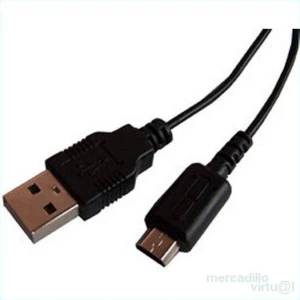

USB-C-kabel voor MacBook 12 en MacBook Pro met type-C connector van 2 meter
4,84€
Nog maar 6 op voorraad
Uw recent bekeken artikelen
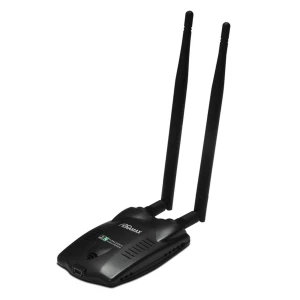
USB wifi-adapter 802.11n High Power 300Mbps Ralink 3072 voor snelle verbinding
14,52€
Niet op voorraad

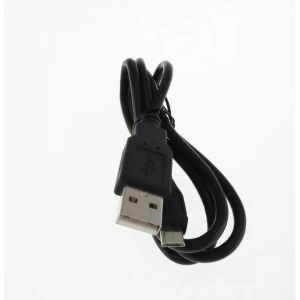
USB-A naar USB-C kabel 1 meter met Type C 3.1-aansluiting voor opladen en data
2,42€
Niet op voorraad

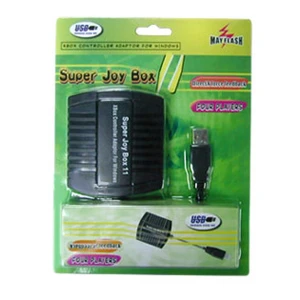 eSATA naar SATA 22 pin kabel met 22-pins eSATA+USB combo connector
4,72€