


6,29€
Op voorraad
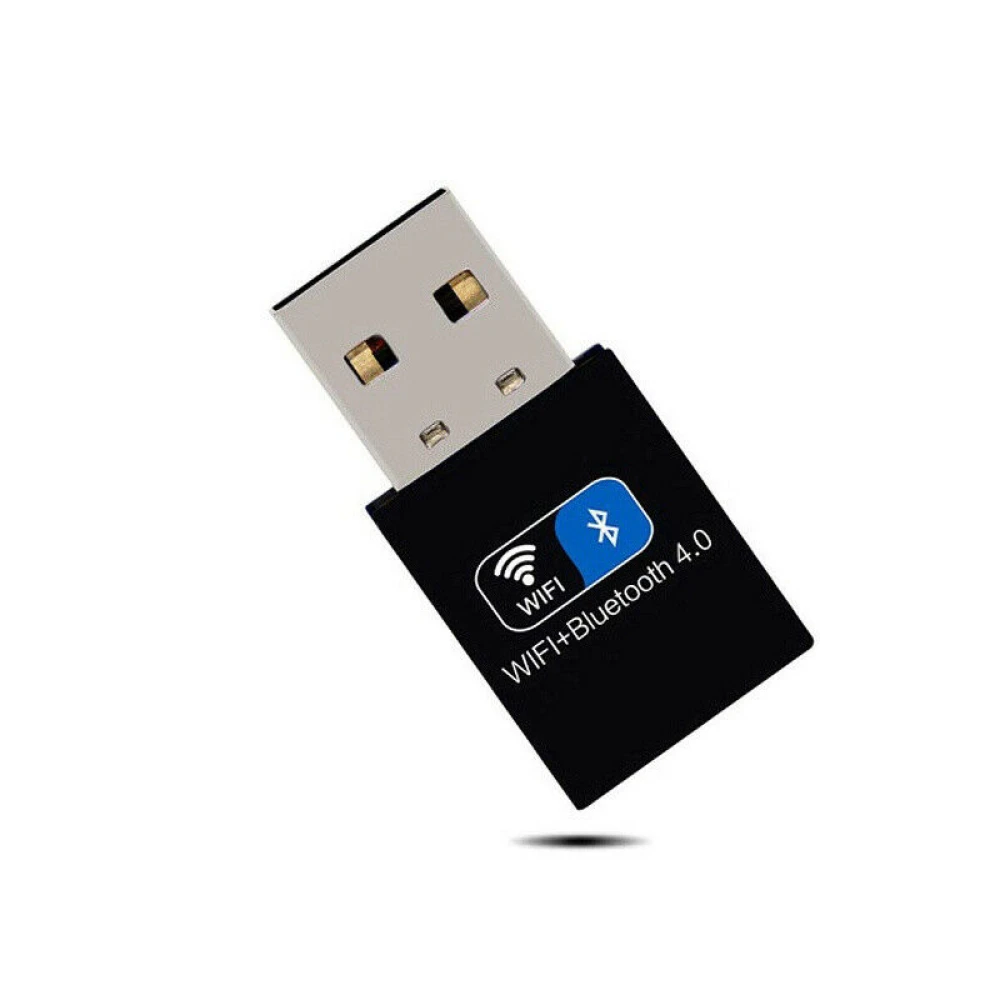
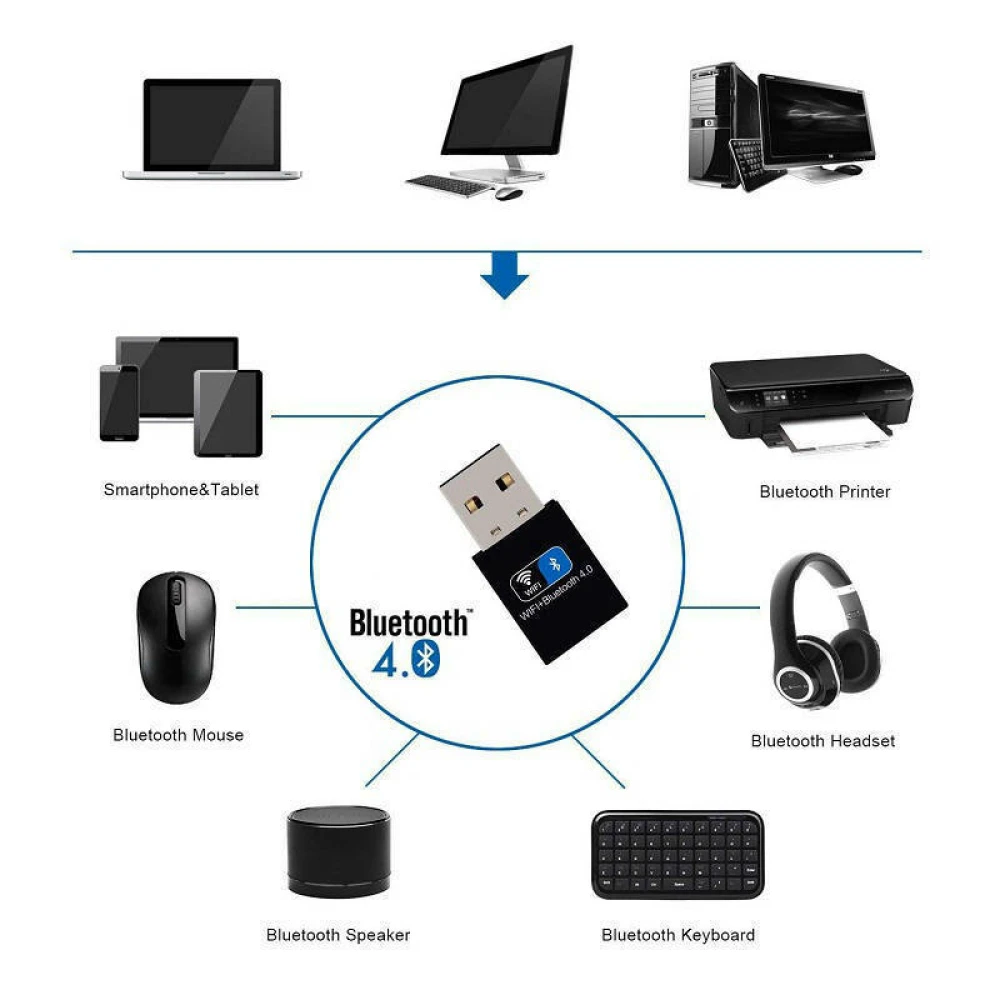
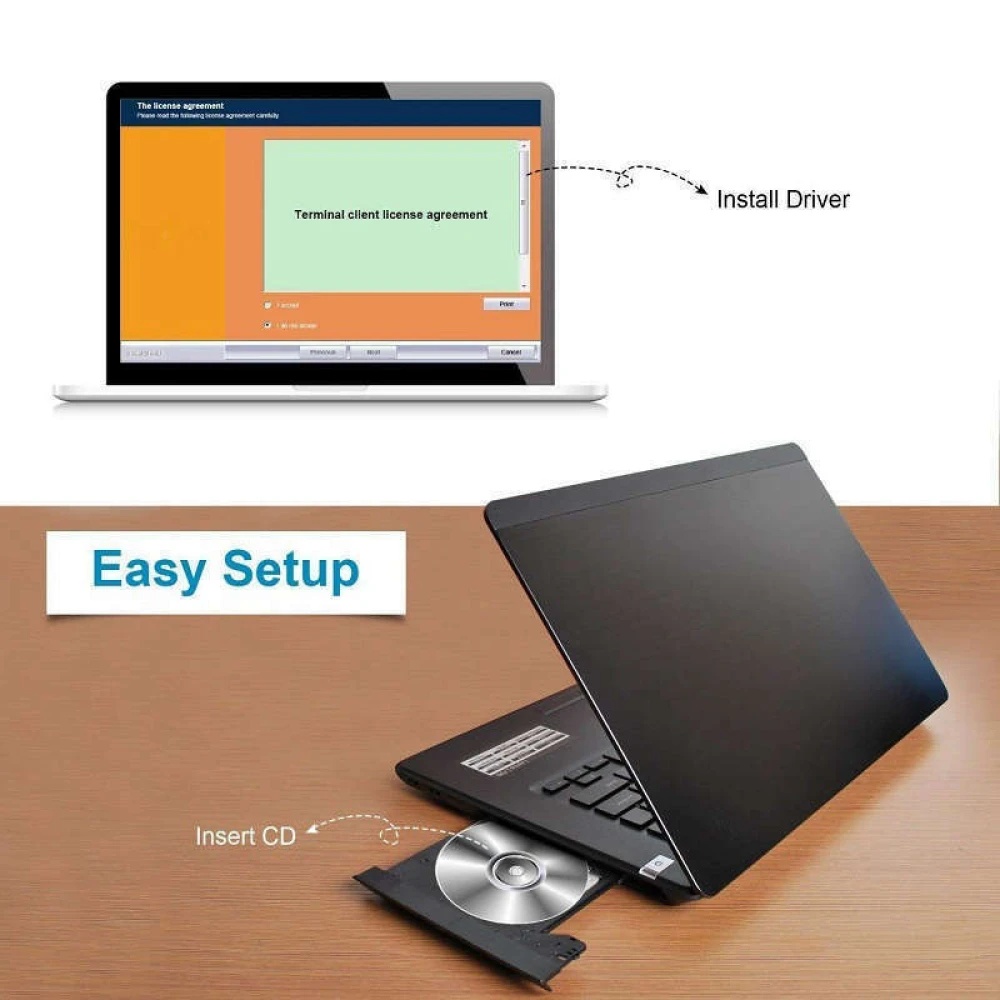
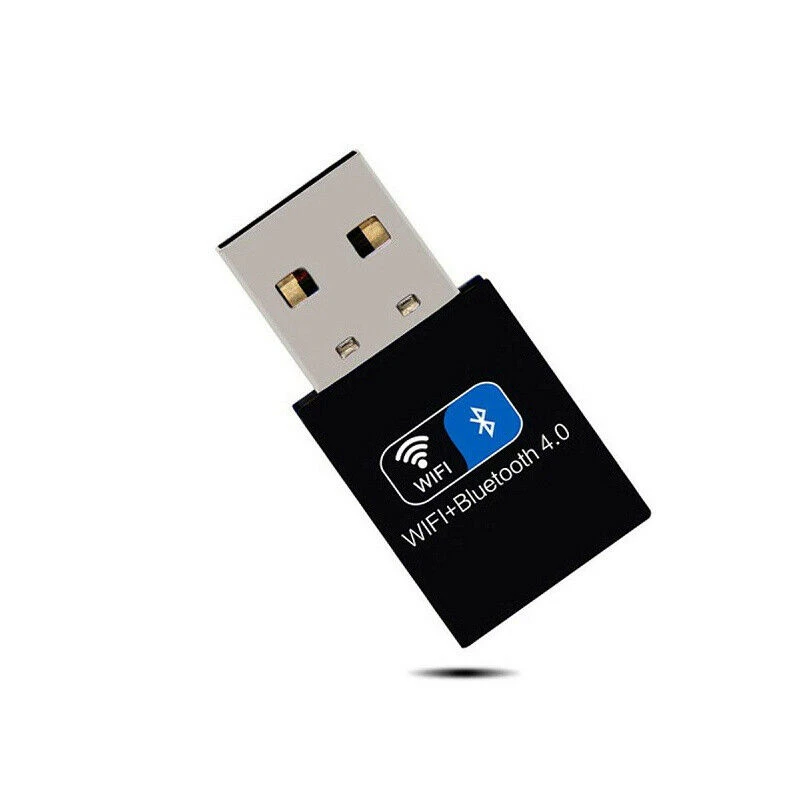
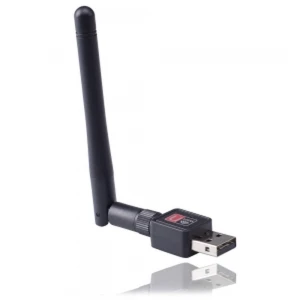
Wifi bluetooth usb adapter 150Mbps Wireless USB 2.4GHz 802.11 voor pc
Merk: satkit
6,29€
IVA inbegrepen (Excl. btw: 5,20€)
Op voorraad - Direct verzonden
Standaardlevering
Wo, Apr 22 - Vr, Apr 24
Expresslevering
Ma, Apr 20 - Di, Apr 21
30 dagen retour
Gratis retourneren binnen 30 dagen
Beveiligde transactie






Share:
Gratis bezorging
Bij bestellingen boven 300€
Eenvoudig retourneren
30 dagen retourbeleid
Veilig betalen
100% veilig afrekenen
Kwaliteitsgarantie
Alleen originele producten
Wifi Bluetooth 4.0 Wireless USB 2.4GHz 150Mbps 802.11 adapter
Deze wifi bluetooth usb adapter 150mbps is een extern draadloos apparaat dat is ontworpen om een snelle en stabiele verbinding te bieden voor zowel WiFi-netwerken als Bluetooth. Met een overdrachtssnelheid tot 150Mbps is hij ideaal voor gebruikers die de connectiviteit van hun apparaten willen verbeteren met USB 2.0-technologie, ook compatibel met USB 3.0 en USB 1.1.
Belangrijkste kenmerken:
- Toepassing: Server en thuis- of professioneel gebruik.
- Type: Externe draadloze adapter.
- Overdrachtssnelheid: Tot 150Mbps voor een snelle en efficiënte verbinding.
- Toepasbaar netwerk: Compatibel met snelle 802.11n/g/b-netwerken.
- Interface: USB 2.0 compatibel met USB 3.0 en USB 1.1 voor maximale veelzijdigheid.
- Frequentie: 2.4GHz voor een stabiel signaal en brede dekking.
- Chip: Realtek 8723BU netwerkkaart van hoge kwaliteit voor optimale prestaties.
- Bluetooth: Versie 4.0 met groter bereik om meerdere apparaten aan te sluiten.
- Antenne: Dubbele antenne geïnstalleerd om de ontvangst en verzending van het WiFi-signaal te verbeteren.
- Compatibele systemen: Werkt perfect met alle Windows- en Linux-systemen.
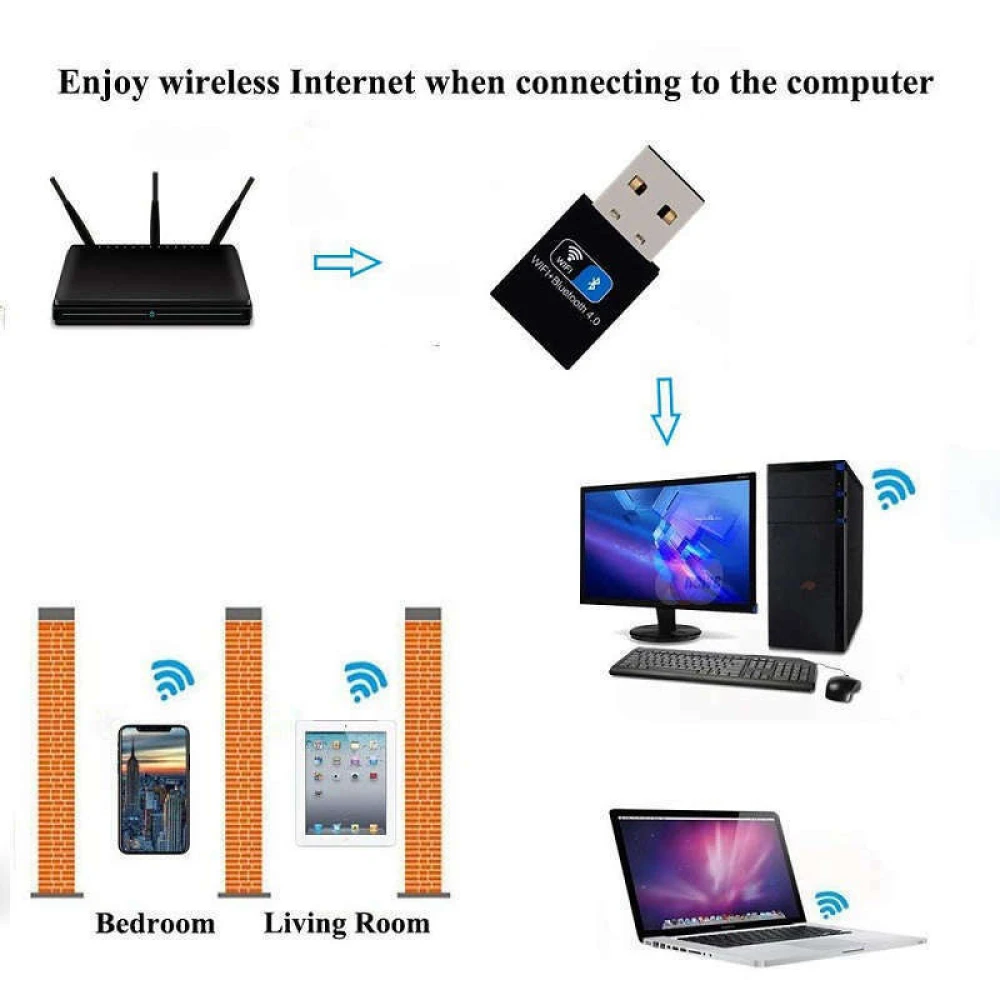
- Dekking: Ongeveer 180 vierkante meter, ideaal voor grote ruimtes.
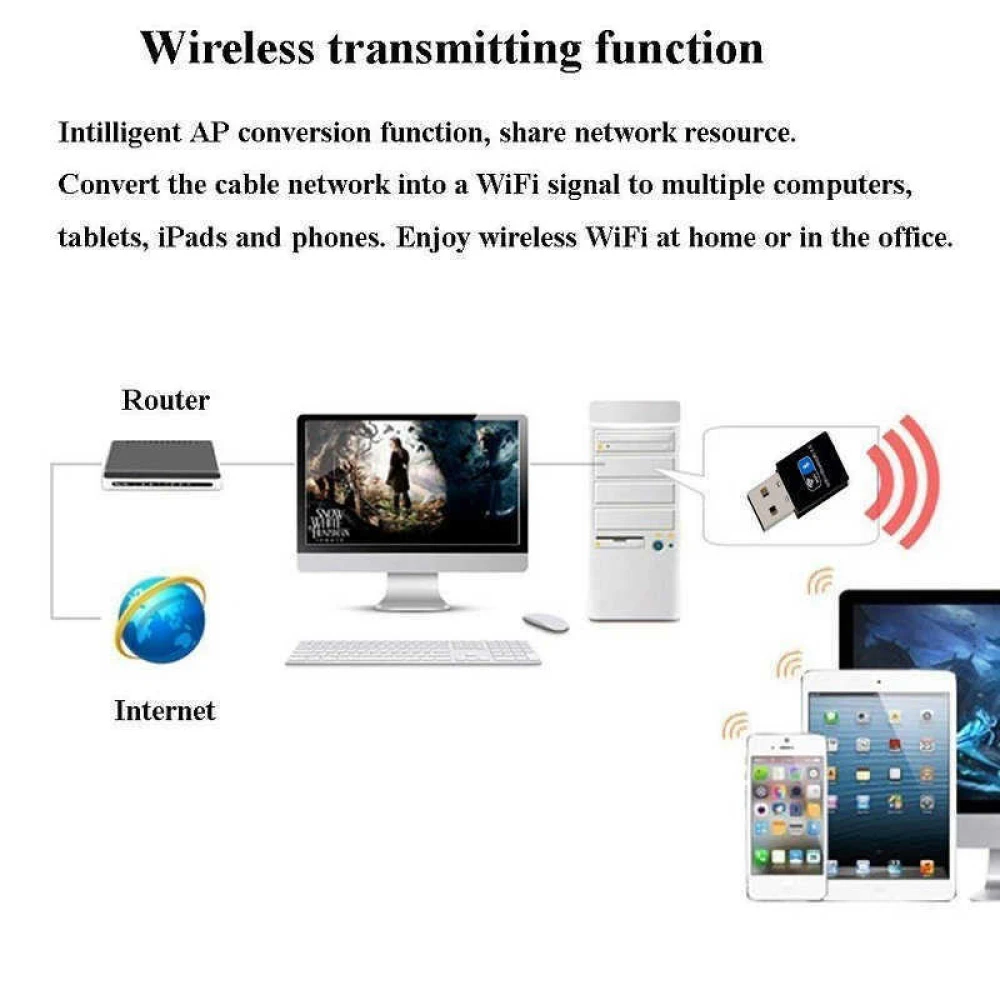
- Functionaliteit: Maakt gelijktijdige ontvangst en verzending van WiFi- en Bluetooth-signalen mogelijk.
- Kleur en materiaal: Zwart, gemaakt van metaal en kunststof voor duurzaamheid.
Typische toepassingen:
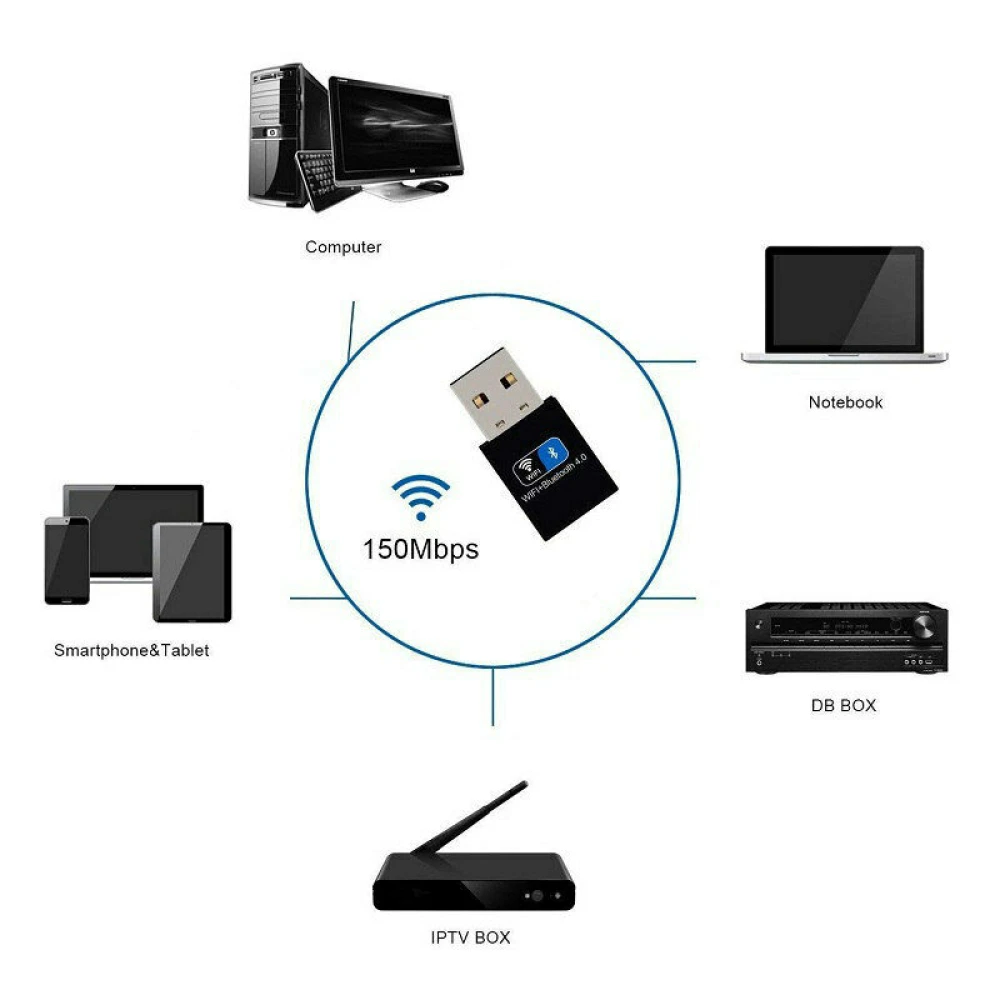
- Desktop- of laptopcomputers zonder ingebouwde WiFi verbinden met draadloze netwerken.
- Bluetooth 4.0-functionaliteit toevoegen om apparaten zoals hoofdtelefoons, toetsenborden of muizen aan te sluiten.
- Het WiFi-signaal verbeteren in zones met beperkte dekking dankzij de dubbele antenne.
- Gebruik in servers of werkstations die stabiele en snelle verbindingen vereisen.
Compatibiliteit: Deze adapter is compatibel met Windows- en Linux-besturingssystemen, waardoor het een veelzijdige optie is voor verschillende werk- of thuisomgevingen. De USB 2.0-interface garandeert compatibiliteit met de meeste huidige en oudere USB-poorten.
Met deze wifi bluetooth usb adapter 150mbps geniet je van een efficiënte en stabiele draadloze verbinding, waardoor je ervaring met surfen, bestandsoverdracht en het verbinden van Bluetooth-apparaten verbetert.
- Overdrachtssnelheid tot 150Mbps voor een snelle verbinding
- Compatibel met USB 2.0, USB 3.0 en USB 1.1
- Bluetooth 4.0 met groter bereik voor meerdere apparaten
- Dubbele antenne voor betere WiFi-signaalsterkte en brede dekking
- Compatibel met Windows- en Linux-systemen
- Geschatte dekking van 180 vierkante meter
- Gelijktijdige ontvangst en verzending van WiFi- en Bluetooth-signaal
- Realtek 8723BU-chip van hoge kwaliteit voor optimale prestaties
- Eenvoudig te installeren draadloos extern ontwerp
- Stevig materiaal van metaal en kunststof in zwarte kleur
Klantvragen & Antwoorden
Quin és l’abast real del senyal WiFi en interiors, tenint en compte parets estàndard?
En entorns interiors amb parets de maó o formigó, l’abast efectiu sol reduir-se dels 180 m² especificats teòricament a aproximadament 10–20 metres lineals, depenent del nombre i tipus d’obstacles. La velocitat màxima (150 Mbps) només s’assoleix en condicions òptimes.
Quines són les especificacions físiques i què porta la caixa?
L’adaptador està fabricat en metall i plàstic, mesura aproximadament 50 mm x 20 mm x 10 mm i pesa menys de 25 grams. La caixa inclou únicament l’adaptador i, en alguns casos, un mini CD amb drivers (segons el distribuïdor). És recomanable verificar si s’inclouen drivers si s’ha d’utilitzar en sistemes sense connexió prèvia a Internet.
Què he de fer si l’adaptador no es detecta en connectar-lo a un port USB?
Si el dispositiu no és reconegut, primer proveu de connectar-lo a un altre port USB i reinicieu l’equip. En sistemes Windows, comproveu al Gestor de dispositius la presència de l’adaptador i reinstal·leu el driver si cal. A Linux, consulteu els logs amb 'dmesg' per verificar la detecció del maquinari i instal·leu els controladors per a Realtek 8723BU si no hi ha detecció automàtica. Si el problema persisteix, pot ser degut a incompatibilitat amb el chipset de la placa base o a manca de suport al sistema operatiu.
What is the actual WiFi range indoors, taking standard walls into account?
In indoor environments with brick or concrete walls, the effective range is usually reduced from the theoretically specified 180 m² to around 10–20 linear metres, depending on the number and type of obstacles. The maximum speed (150 Mbps) is only achieved under optimal conditions.
What are the physical specifications and what is included in the box?
The adapter is made of metal and plastic, measures approximately 50 mm x 20 mm x 10 mm and weighs less than 25 grams. The box includes only the adapter and, in some cases, a mini CD with drivers (depending on the distributor). It is advisable to check whether drivers are included if it will be used on systems without prior internet access.
What should I do if the adapter is not detected when plugged into a USB port?
If the device is not recognised, first try connecting it to another USB port and restart the computer. On Windows systems, check Device Manager for the adapter and reinstall the driver if necessary. On Linux, check the logs with 'dmesg' to verify hardware detection and install the drivers for Realtek 8723BU if automatic detection does not occur. If the problem persists, it may be due to incompatibility with the motherboard chipset or lack of operating system support.
What is the actual WiFi range indoors, taking standard walls into account?
In indoor environments with brick or concrete walls, the effective range usually drops from the theoretically specified 180 m² to around 10–20 linear metres, depending on the number and type of obstacles. The maximum speed (150 Mbps) is only achieved under optimal conditions.
What are the physical specifications and what is included in the box?
The adapter is made of metal and plastic, measures approximately 50 mm x 20 mm x 10 mm and weighs less than 25 grams. The box includes only the adapter and, in some cases, a mini CD with drivers (depending on the distributor). It is advisable to check whether drivers are included if it will be used on systems without prior internet access.
What should I do if the adapter is not detected when plugged into a USB port?
If the device is not recognised, first try connecting it to another USB port and restart the computer. On Windows systems, check Device Manager for the adapter and reinstall the driver if necessary. On Linux, check the logs with 'dmesg' to verify hardware detection and install the drivers for Realtek 8723BU if automatic detection does not occur. If the problem persists, it may be due to incompatibility with the motherboard chipset or lack of operating system support.
Vad är den verkliga WiFi-räckvidden inomhus, med vanliga väggar?
I inomhusmiljöer med tegel- eller betongväggar minskar den effektiva räckvidden ofta från de teoretiska 180 m² till cirka 10–20 meter i linje, beroende på antal och typ av hinder. Maxhastigheten (150 Mbps) uppnås endast under optimala förhållanden.
Schrijf een klantbeoordeling
Klanten die dit artikel kochten, kochten ook
Uw recent bekeken artikelen
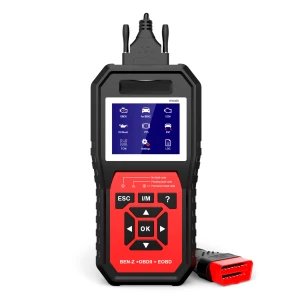
Mercedes Benz diagnose scanner Konnwei KW460 - professionele OBD2-tool
60,50€
Nog maar 9 op voorraad
 Wifi bluetooth usb adapter 150Mbps Wireless USB 2.4GHz 802.11 voor pc
6,29€