


4,84€
Op voorraad
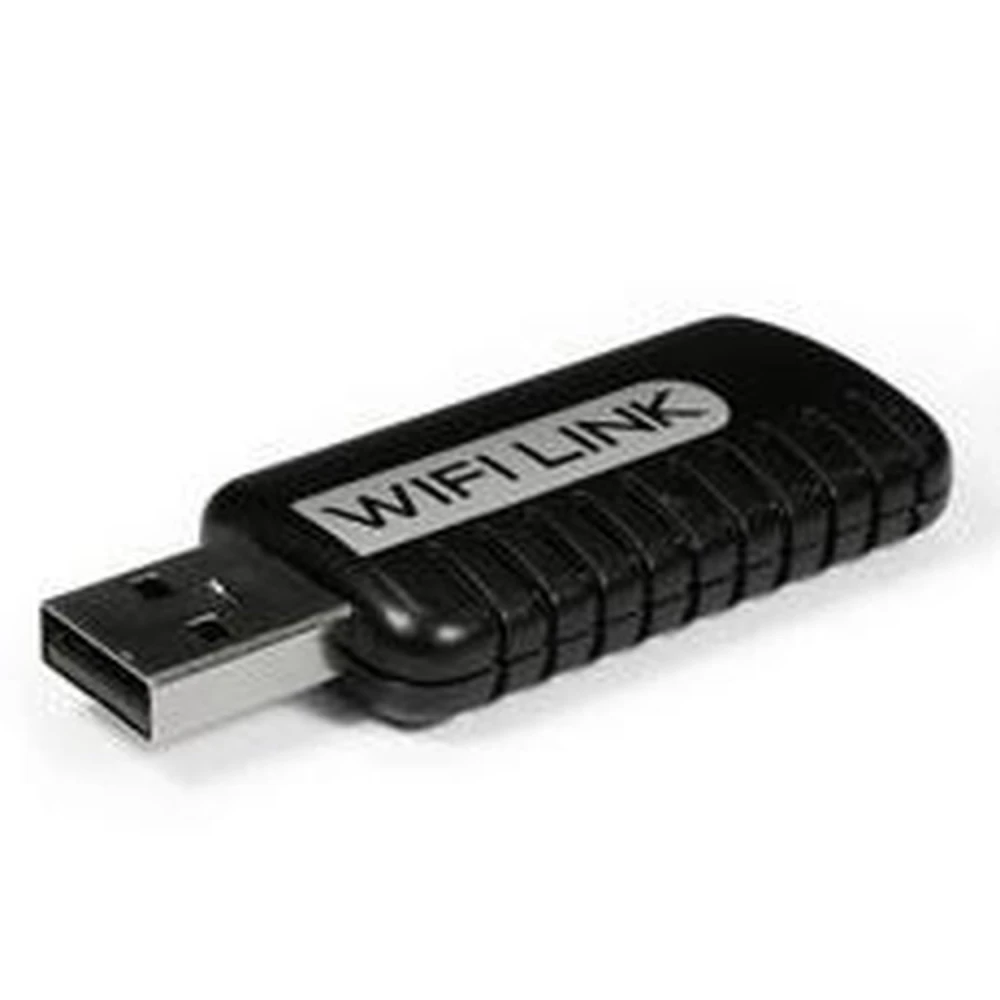
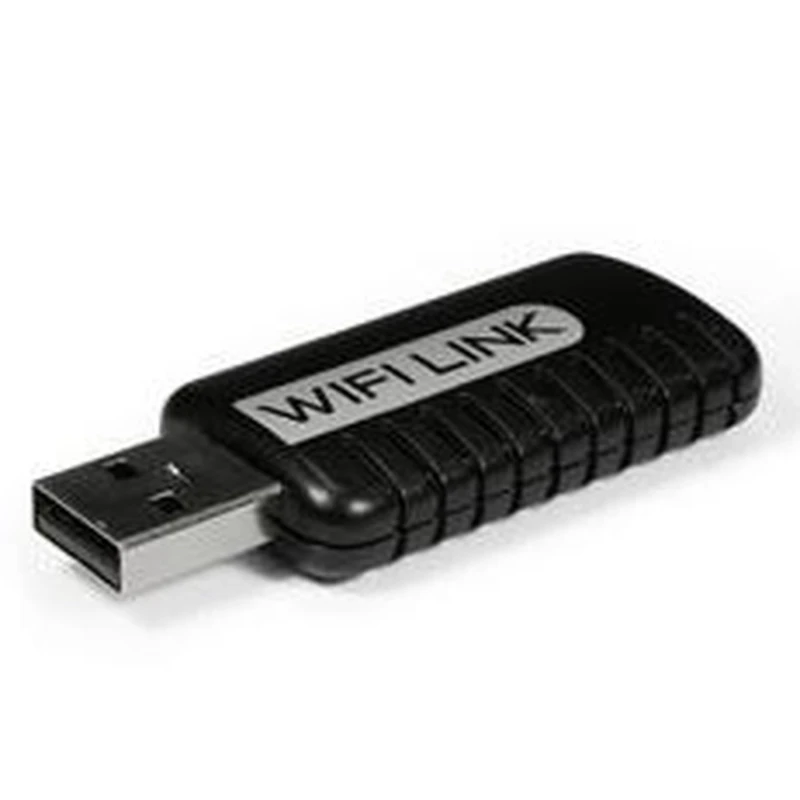
WiFi Link voor PSP en NDS - Mayflash USB WiFi-adapter voor draadloze verbinding
Merk: Mayflash
4,84€
IVA inbegrepen (Excl. btw: 4,00€)
Op voorraad - Direct verzonden
Standaardlevering
Wo, Apr 22 - Vr, Apr 24
Expresslevering
Ma, Apr 20 - Di, Apr 21
30 dagen retour
Gratis retourneren binnen 30 dagen
Beveiligde transactie






Share:
Gratis bezorging
Bij bestellingen boven 300€
Eenvoudig retourneren
30 dagen retourbeleid
Veilig betalen
100% veilig afrekenen
Kwaliteitsgarantie
Alleen originele producten
WiFi Link voor PSP en NDS is een USB WiFi-adapter ontwikkeld door Mayflash waarmee je een draadloos toegangspunt kunt maken om je PSP of Nintendo DS via de internetverbinding van je pc met internet te verbinden.
Dit apparaat sluit je eenvoudig aan op de USB-poort van je computer met internettoegang, zodat tot 5 PSP- of Nintendo DS-consoles tegelijk kunnen verbinden om online te spelen of gegevens over te zetten.
Belangrijkste kenmerken:
- Draadloze verbinding voor PSP en Nintendo DS via een pc met internet.
- Ondersteunt tot 5 apparaten tegelijk.
- Compatibel met XLink Kai om online te spelen op PSP.
- Werkt met MAX Media Server Software voor het beheren en overzetten van multimediabestanden zoals MP3, foto's en video's tussen je pc en console.
- Compatibel met andere WiFi-apparaten zoals PDA's.
Gebruik voor PSP:
- Maakt online spelen mogelijk met XLink Kai.
- Verbindt tot 5 PSP-gebruikers op één pc met internetverbinding.
- Draadloze overdracht van multimediabestanden tussen pc en PSP.
Gebruik voor Nintendo DS:
- Verbind je Nintendo DS draadloos om online te spelen.
- Ondersteunt tot 5 Nintendo DS-consoles tegelijk.
Voor meer informatie over games die compatibel zijn met WiFi-verbinding, bezoek Nintendo WiFi.
Compatibiliteit: Compatibel met PSP, PSP Slim, PSP 3000, PSP Go en verschillende Nintendo DS-versies, waaronder DS Lite, DSi, DSi XL en 3DS.
WiFi Link is de ideale oplossing voor wie zijn PSP- of Nintendo DS-consoles met internet wil verbinden zonder een draadloze router, waarbij de internetverbinding van de pc als toegangspunt wordt gebruikt.
- WiFi-verbinding voor PSP en Nintendo DS via de pc
- Ondersteunt tot 5 consoles tegelijk
- Compatibel met XLink Kai voor online spelen op PSP
- Maakt draadloze overdracht van foto's, MP3 en video's mogelijk
- Compatibel met MAX Media Server Software voor mediabeheer
- Eenvoudige installatie via de USB-poort van de pc
- Compatibel met verschillende PSP- en Nintendo DS-versies
Klantvragen & Antwoorden
Quins requisits de sistema i compatibilitat he de verificar abans d'instal·lar el WiFi Link per a PSP o NDS?
El WiFi Link requereix un PC amb sistema operatiu Windows (habitualment XP, Vista o 7, 32/64 bits), almenys un port USB lliure (USB 2.0 recomanat) i accés a internet per cable a l'equip amfitrió. És compatible amb consoles PSP (totes les versions) i Nintendo DS, DS Lite i DSi. Per al seu ús amb altres dispositius WiFi, la compatibilitat no està garantida; depèn dels drivers i configuracions individuals.
Quines són les principals funcions i limitacions tècniques del WiFi Link respecte als routers WiFi convencionals?
El WiFi Link permet crear un punt d'accés WiFi exclusiu per a consoles PSP i NDS connectat per USB al PC, amb suport per a fins a 5 dispositius simultàniament. No substitueix un router: el seu abast sense fils és limitat (típicament entre 10-15 m lineals), no admet múltiples perfils de seguretat WiFi avançada com WPA2, i la taxa de transferència màxima real sol situar-se entre 1 i 3 Mbps segons l'entorn i el trànsit. Està optimitzat per a jocs i transferència bàsica de fitxers, no per a streaming intensiu.
Quins són els problemes més habituals en utilitzar el WiFi Link amb PSP/NDS i com es resolen?
Els problemes comuns inclouen: la consola no detecta el senyal (solucionable actualitzant drivers i revisant la configuració del firewall del PC); transferència lenta (pot dependre de la interferència WiFi, per la qual cosa es recomana mantenir el dispositiu allunyat de microones o altres routers); i caigudes de connexió, atribuïbles a incompatibilitat amb certes versions de Windows o drivers. Reinstal·lar el programari i connectar sempre al mateix port USB sol millorar l'estabilitat.
What system requirements and compatibility should I check before installing the WiFi Link for PSP or NDS?
The WiFi Link requires a PC running Windows (usually XP, Vista or 7, 32/64-bit), at least one free USB port (USB 2.0 recommended) and wired internet access on the host computer. It is compatible with PSP consoles (all versions) and Nintendo DS, DS Lite and DSi. For use with other WiFi devices, compatibility is not guaranteed; it depends on the drivers and individual settings.
What are the main functions and technical limitations of the WiFi Link compared with conventional WiFi routers?
The WiFi Link allows you to create a WiFi access point exclusively for PSP and NDS consoles, connected to the PC via USB, supporting up to 5 devices simultaneously. It does not replace a router: wireless range is limited (typically 10-15 m in a straight line), it does not support multiple advanced WiFi security profiles such as WPA2, and the real maximum transfer rate is usually 1-3 Mbps depending on the environment and traffic. It is optimised for gaming and basic file transfer, not intensive streaming.
What are the most common problems when using the WiFi Link with PSP/NDS, and how are they resolved?
Common problems include: the console does not detect the signal (solvable by updating drivers and checking the PC firewall settings); slow transfer (this may depend on WiFi interference, so it is recommended to keep the device away from microwaves or other routers); and connection drops, which can be caused by incompatibility with certain Windows versions or drivers. Reinstalling the software and always connecting to the same USB port usually improves stability.
What system requirements and compatibility should I check before installing the WiFi Link for PSP or NDS?
The WiFi Link requires a PC running Windows (usually XP, Vista or 7, 32/64-bit), at least one free USB port (USB 2.0 recommended) and wired internet access on the host computer. It is compatible with PSP consoles (all versions) and Nintendo DS, DS Lite and DSi. For use with other WiFi devices, compatibility is not guaranteed; it depends on the drivers and individual settings.
What are the main functions and technical limitations of the WiFi Link compared with conventional WiFi routers?
The WiFi Link allows you to create a WiFi access point exclusively for PSP and NDS consoles, connected to the PC via USB, supporting up to 5 devices simultaneously. It does not replace a router: its wireless range is limited (typically between 10-15 m in a straight line), it does not support multiple advanced WiFi security profiles such as WPA2, and the real maximum transfer rate is usually 1-3 Mbps depending on the environment and traffic. It is optimised for gaming and basic file transfer, not intensive streaming.
What are the most common problems when using the WiFi Link with PSP/NDS and how are they resolved?
Common problems include: the console not detecting the signal (which can be solved by updating drivers and checking the PC firewall settings); slow transfer (which may depend on WiFi interference, so it is recommended to keep the device away from microwaves or other routers); and connection drops, attributable to incompatibility with certain Windows versions or drivers. Reinstalling the software and always using the same USB port usually improves stability.
Vilka systemkrav och kompatibilitet bör jag kontrollera innan jag installerar WiFi Link för PSP eller NDS?
WiFi Link kräver en PC med Windows (vanligtvis XP, Vista eller 7, 32/64 bitar), minst en ledig USB-port (USB 2.0 rekommenderas) och internetanslutning via kabel på värddatorn. Den är kompatibel med PSP-konsoler (alla versioner) samt Nintendo DS, DS Lite och DSi. För användning med andra WiFi-enheter garanteras inte kompatibilitet; det beror på drivrutiner och individuella inställningar.
Schrijf een klantbeoordeling
Klanten die dit artikel kochten, kochten ook
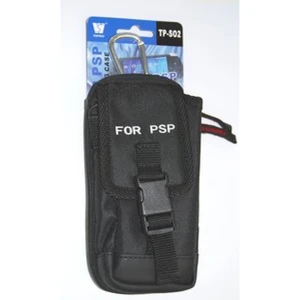
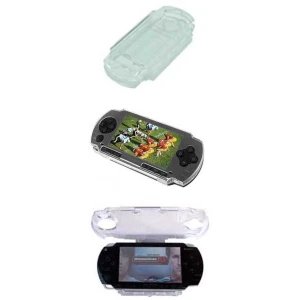
Zwarte draagtas voor PSP 2000 Slim en PSP 3000 voor maximale bescherming
2,42€
Nog maar 6 op voorraad


Uw recent bekeken artikelen
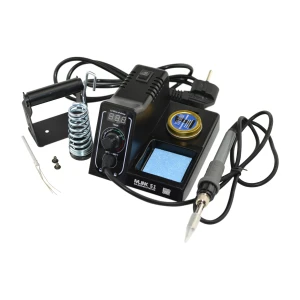
Mlink S1 digitale soldeerstation 60W met LED-display en temperatuurvergrendeling
36,18€
Niet op voorraad
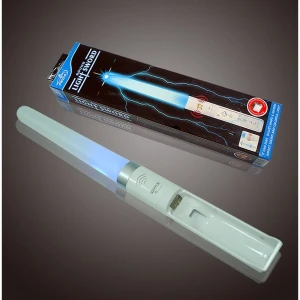
Blauw lichtzwaard voor Wii met geluid voor compatibele Wiimotion Plus-controller
3,63€
Niet op voorraad

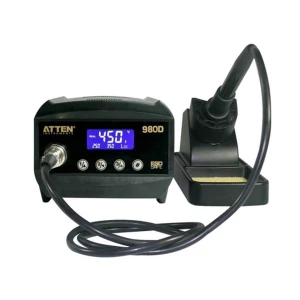
Regelbaar soldeerstation 80W Atten At980d met digitale bediening en 3 geheugens
70,18€
Niet op voorraad

 WiFi Link voor PSP en NDS - Mayflash USB WiFi-adapter voor draadloze verbinding
4,84€