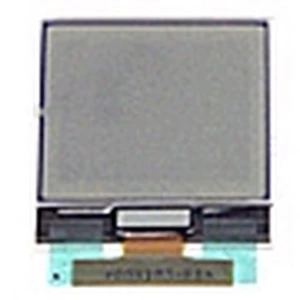


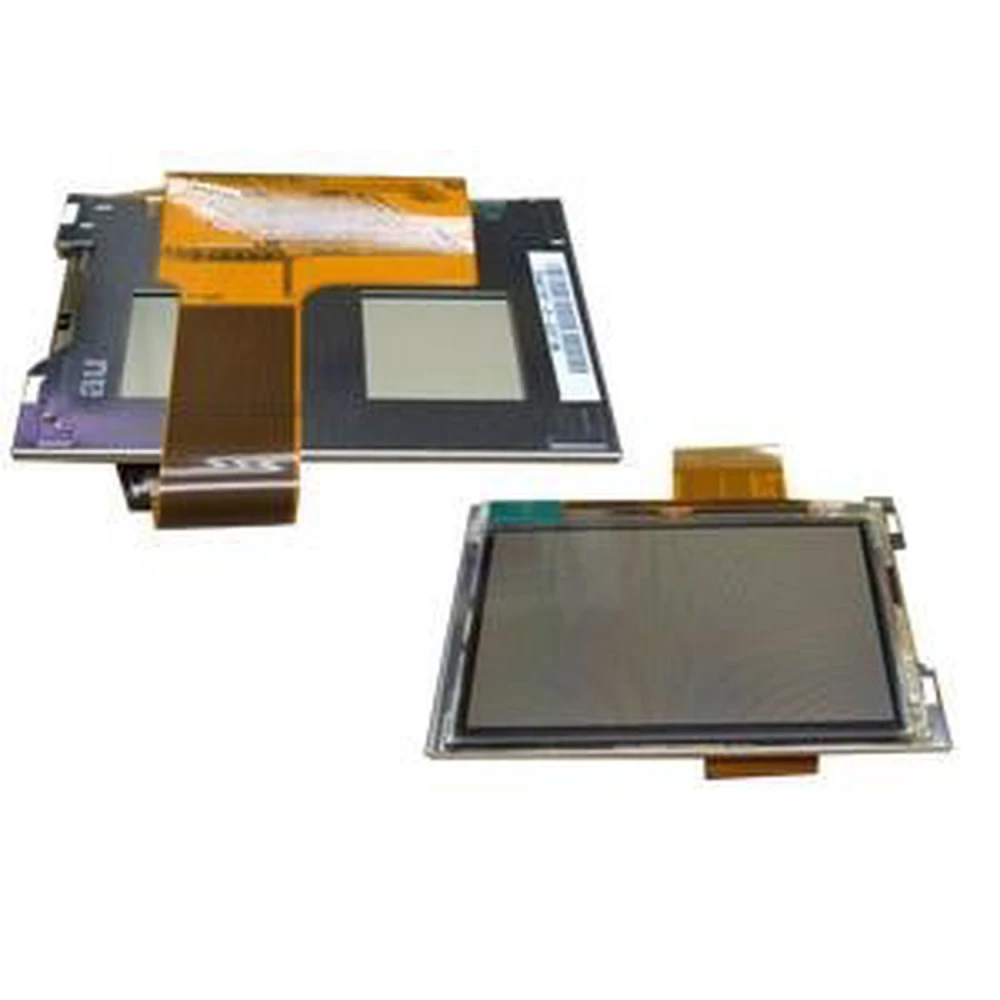
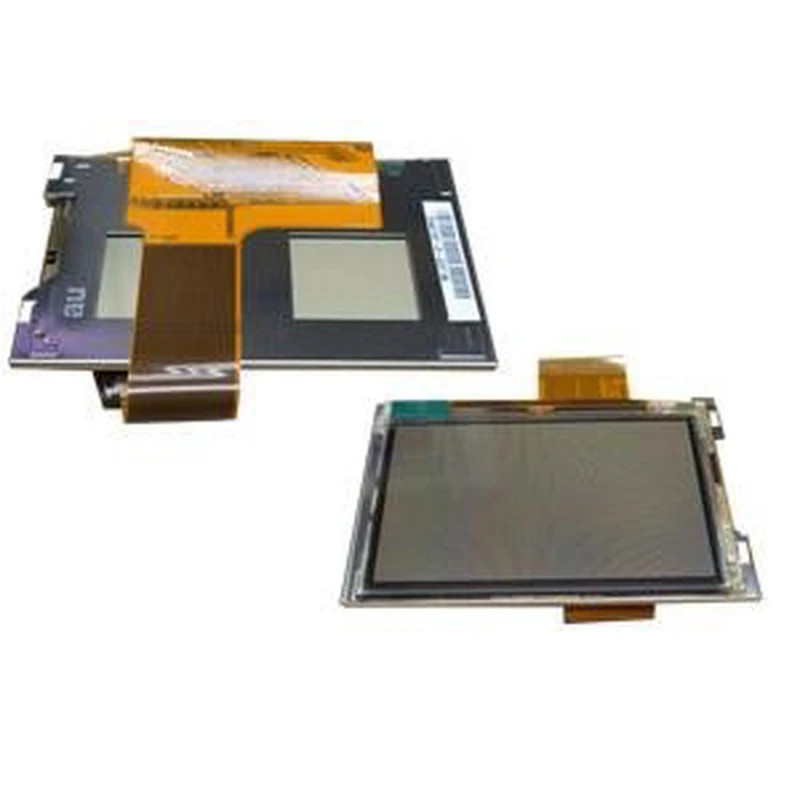
LCD-scherm GBA: vervangingsonderdeel voor Game Boy Advance en GBA SP
Merk: satkit
IVA inbegrepen (Excl. btw: 9,90€)






Het LCD-scherm GBA is een essentieel vervangingsonderdeel om de beeldfunctionaliteit van je Game Boy Advance- of GBA SP-console te behouden of te herstellen. Dit onderdeel is compatibel met de modellen GBA, GBA SP en GBM en biedt een doeltreffende oplossing voor beschadigde of defecte schermen.
Dit vervangingsonderdeel is ontworpen voor gebruikers die het originele scherm van hun console willen vervangen en de beeldkwaliteit van deze klassieke toestellen willen herstellen. Het is belangrijk om te benadrukken dat de installatie zorgvuldig moet gebeuren, bij voorkeur door professionals, om schade tijdens het proces te voorkomen.
- Compatibiliteit: Game Boy Advance-, Game Boy Advance SP- en Game Boy Micro (GBM)-consoles.
- Type scherm: Origineel LCD-scherm voor GBA.
- Functie: Vervangingsonderdeel voor een beschadigd of defect scherm.
- Aanbeveling: Professionele installatie om schade te voorkomen.
Dit vervangingsonderdeel wordt geleverd zonder garantie vanwege de delicate installatie, daarom raden we aan het te laten installeren door gespecialiseerde technici. Retouren worden voor dit product niet geaccepteerd.
Met dit LCD-scherm kun je opnieuw genieten van je favoriete games met een helder en scherp beeld, terwijl je de originele ervaring van de console behoudt.
- Origineel vervangingsonderdeel voor GBA-, GBA SP- en GBM-schermen
- Scherpe en heldere beeldkwaliteit
- Compatibel met Game Boy Advance en varianten
- Installatie aanbevolen door professionals
- Geen garantie en geen retour mogelijk
Klantvragen & Antwoorden
Requereix eines o equips especials per a la instal·lació d’aquesta pantalla LCD?
Sí, per instal·lar la pantalla es recomana disposar de tornavisos de precisió (tipus Tri-Wing i Phillips), pinces antiestàtiques i, en alguns casos, pistola de calor i cinta adhesiva conductora per assegurar les connexions. La manipulació sense eines adequades pot danyar la pantalla.
Quins riscos hi ha durant la instal·lació i quins són els danys més comuns?
El principal risc és la ruptura física de la pantalla o danys a la cinta flex (FPC) en aplicar força excessiva o plegats incorrectes. També poden aparèixer problemes de píxels morts o mal contacte si els connectors no s’alineen correctament.
Hi ha alguna alternativa amb més tolerància als errors o nivells de protecció per a usuaris menys experimentats?
Al mercat hi ha kits preassemblats i pantalles modernes tipus IPS amb adaptadors i guies més detallades, que ofereixen més tolerància en la instal·lació que les pantalles LCD convencionals com aquesta, però solen tenir un preu més elevat i requereixen modificacions addicionals.
Quines són les dimensions exactes i el tipus de connector que utilitza aquesta pantalla?
La pantalla té unes dimensions actives aproximades de 41 mm x 61 mm i utilitza un connector pla de 32 pins tipus FPC per integrar-se amb la placa base de la GBA original.
What are the exact dimensions and what type of connector does this screen use?
The screen has approximate active dimensions of 41 mm x 61 mm and uses a 32-pin FPC flat connector to integrate with the original GBA motherboard.
Does this LCD screen require special tools or equipment for installation?
Yes. To install the screen, it is recommended to have precision screwdrivers (Tri-Wing and Phillips types), anti-static tweezers and, in some cases, a heat gun and conductive adhesive tape to secure the connections. Handling it without the proper tools may damage the screen.
What risks are there during installation, and what are the most common types of damage?
The main risk is physical breakage of the screen or damage to the flex cable (FPC) if excessive force is applied or it is folded incorrectly. Dead pixels or poor contact can also occur if the connectors are not aligned correctly.
Is there an alternative with greater tolerance for errors or better protection for less experienced users?
There are pre-assembled kits and modern IPS screens on the market with adapters and more detailed guides, which offer greater tolerance during installation than conventional LCD screens like this one. However, they are usually more expensive and may require additional modifications.
Does this LCD screen require special tools or equipment for installation?
Yes. To install the screen, it is recommended to have precision screwdrivers (Tri-Wing and Phillips types), anti-static tweezers and, in some cases, a heat gun and conductive adhesive tape to secure the connections. Handling it without the proper tools may damage the screen.
What risks are there during installation and what are the most common types of damage?
The main risk is physical breakage of the screen or damage to the flex cable (FPC) if excessive force is applied or it is folded incorrectly. Dead pixels or poor contact can also occur if the connectors are not aligned properly.
Schrijf een klantbeoordeling
Klanten die dit artikel kochten, kochten ook


Uw recent bekeken artikelen